 Exflite
Quick Answer
- Canva is excellent for design and lightweight resizing workflows.
- Magic Resize helps generate new canvases, but adaptation work still remains.
- At scale, duplicate, resize, tweak, export, QA, and repeat becomes production overhead.
- Exflite fits after design, when approved creatives need production-ready exports.
Details
Specs and Details
| Item | Recommendation | Production note |
|---|---|---|
| Canva workflow | Duplicate, Magic Resize, platform presets, manual export handling | Useful for design and lightweight multi-size work. |
| Scaling problem | Layout tweaking, safe-zone checks, version sprawl, repeated exports | This appears after the creative is approved. |
| Exflite workflow | One approved creative to many production-ready exports | Built for post-design creative adaptation. |
Workflow view
Design tool to production workflow
Source creative
One approved JPG, PNG, or WebP
Generated outputs
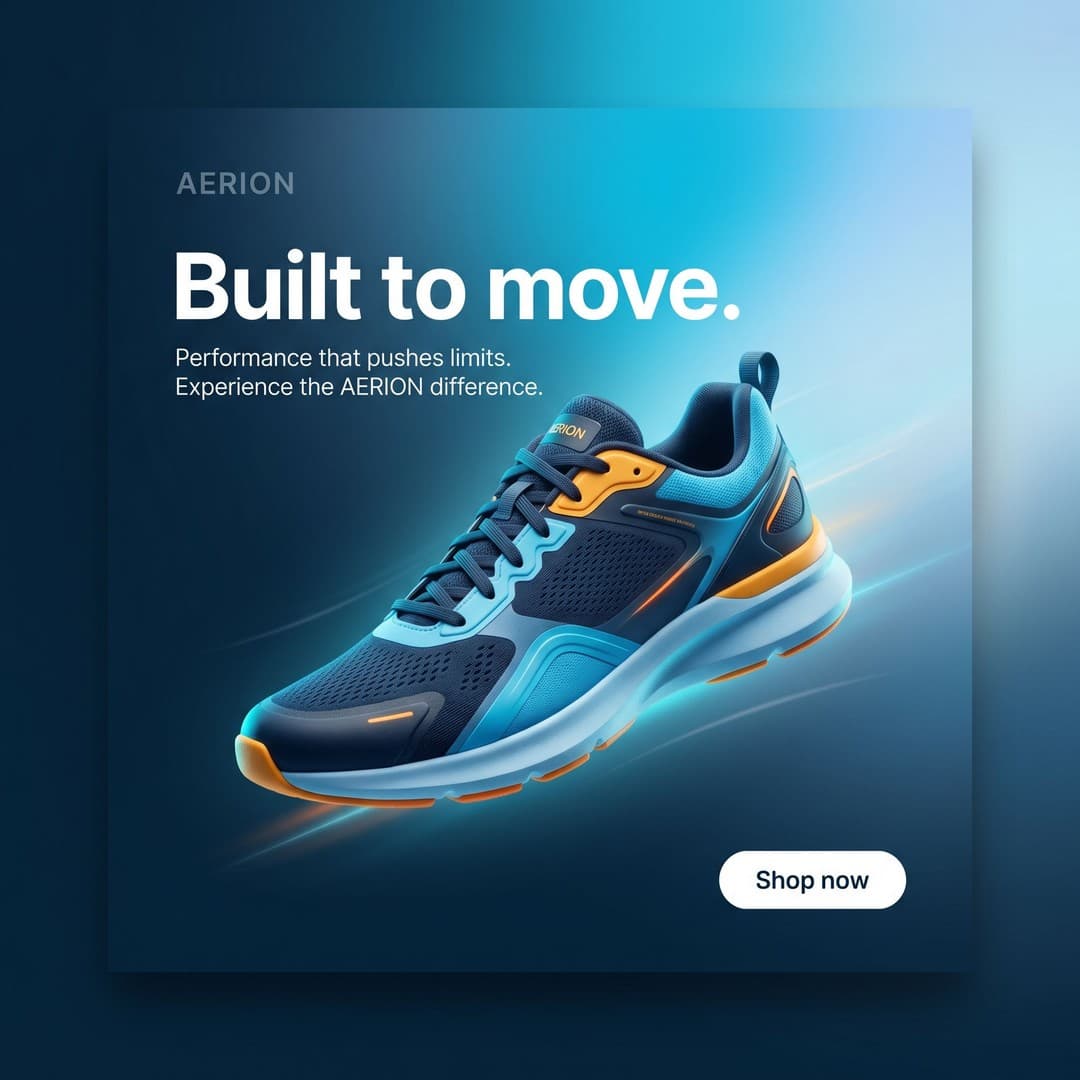
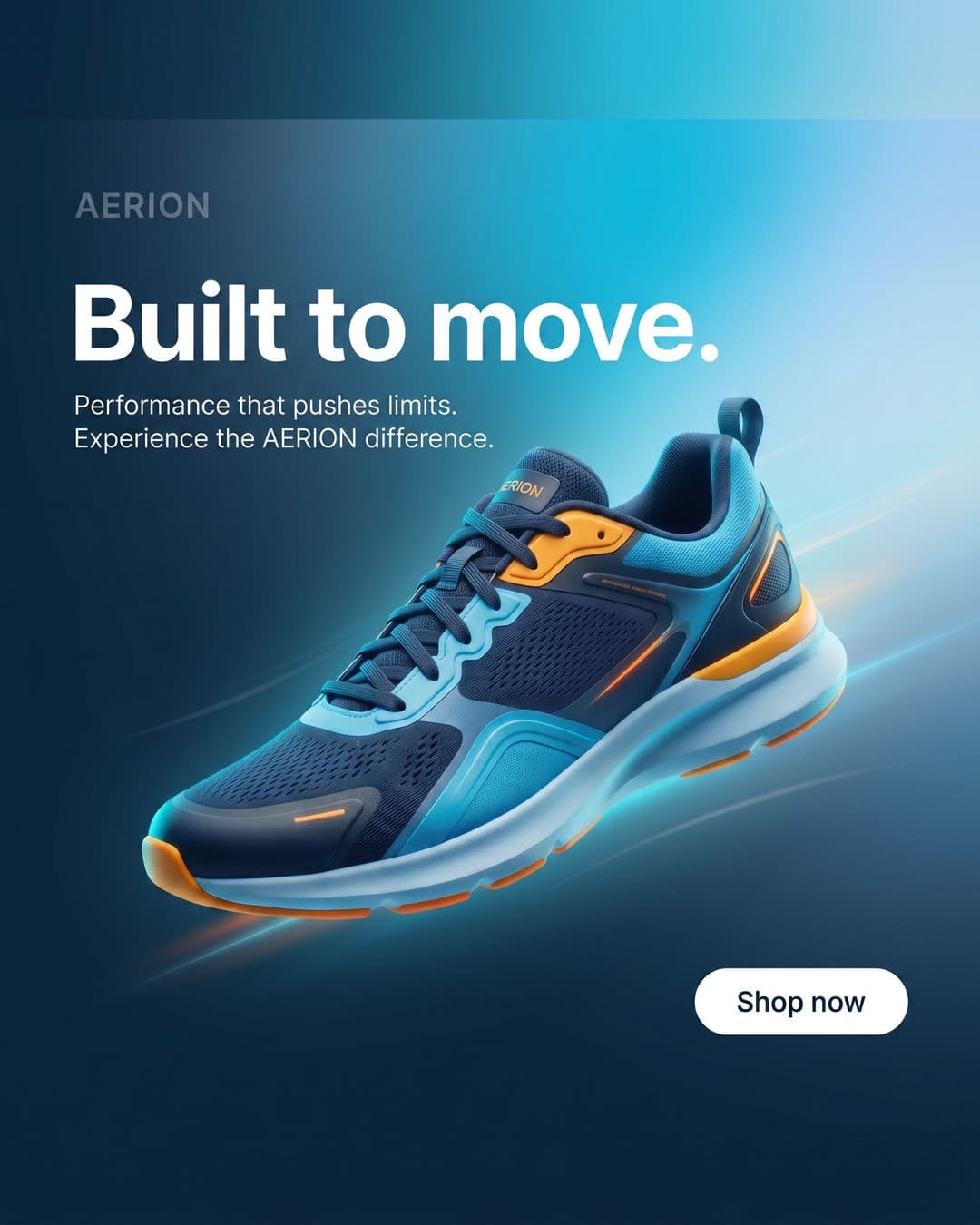
Platform-ready examples from the same workflow





Review package
Check outputs, then download the set.
How Canva Handles Multiple Ad Sizes
Canva's resizing workflow is built around duplicate-and-resize workflows, Magic Resize / Magic Switch, platform presets, and manual export handling.
For many teams, that works well initially.
Canva Magic Resize
Canva's Magic Resize feature allows users to:
- resize a design into multiple formats
- create platform-specific variations
- generate copies for placements like Instagram Story, Facebook Ad, LinkedIn Post, and TikTok-style formats
The workflow is straightforward
The workflow is straightforward:
- create the design
- click Resize / Magic Switch
- choose formats
- generate resized copies
Canva handles the first layer well
Canva then creates separate resized versions of the design.
For lightweight social graphics, small campaigns, quick concepts, and single-platform content, it is genuinely fast.
Especially compared to manually rebuilding designs from scratch.
But resizing is not the same as adaptation
This is the key distinction.
Magic Resize helps generate new canvases.
But most teams still need to:
- tweak layouts
- reposition elements
- fix crops
- adjust text
- check safe zones
- export placements manually
The adaptation work still remains
Especially for vertical formats, Stories, Reels, TikTok, and Shorts.
Because resizing dimensions is only part of the workflow.
The adaptation work still remains.
Separate files create workflow sprawl
One common friction point with Canva resizing is that resized formats typically become separate designs, separate projects, and separate exports.
Which sounds manageable until one approved creative suddenly becomes six formats, twelve exports, and twenty variations.
That is where workflows start fragmenting.
Where Canva Works Well
This part matters.
Because Canva is actually excellent at what it is designed for.
Canva is great for design
Canva is incredibly effective for:
- designing ads
- fast iteration
- lightweight creative work
- visual ideation
- quick campaign concepts
- collaborative design workflows
It lowers creative friction dramatically
That is why so many marketers use it.
For non-designers especially, Canva makes layout creation, typography, branding, template usage, and asset organization much more accessible.
That is a real advantage.
Magic Resize is genuinely useful
Being able to generate multiple format versions quickly, duplicate designs automatically, and repurpose creative assets saves real time compared to rebuilding everything manually.
Canva solves design problems well
And that is the important distinction.
Canva solves design problems well. Production problems are different.
That line is the entire positioning shift.
Because most teams do not actually struggle with designing the ad.
They struggle with adapting it across production environments repeatedly.
Where the Workflow Starts Breaking
This is where things change.
Not at one ad, one platform, or one campaign.
At scale.
Multiple platforms multiply production work
One approved creative suddenly needs:
- Feed
- Story
- Reel
- TikTok
- Shorts
- display
- square-safe
- vertical-safe exports
Now the workflow becomes repetitive production
Now the workflow becomes:
- resize
- tweak
- reposition
- export
- check crops
- rename files
- repeat
This takes forever
This takes forever.
Layout tweaking never fully disappears
Even with Magic Resize, teams still end up manually adjusting spacing, repositioning headlines, fixing safe zones, correcting crops, resizing text, and checking mobile layouts.
Because different placements behave differently.
A layout that works in Feed can break in Reels immediately.
Vertical formats expose workflow friction fast
This is especially true for Stories, Reels, TikTok, and Shorts.
Those placements introduce UI overlays, caption areas, CTA regions, engagement stacks, and mobile cropping.
Now layouts need centered composition, safe-zone awareness, and placement-specific spacing.
Which usually means more manual tweaking.
Version sprawl becomes operational chaos
This is where workflows get painful.
One creative becomes FINAL, FINAL_VERTICAL, FINAL_REEL, FINAL_REEL_V2, FINAL_STORY_SAFE, and FINAL_TIKTOK.
And now everyone is asking: "Which version is actually current?"
This is not a design issue anymore.
It is workflow fragmentation.
The Real Problem Is Not Design
This is the key shift.
Most teams think: "We need a faster resizing tool."
But resizing is not actually the core issue.
The creative is already approved
That is the important part.
The concept is done. The messaging is approved. The visual direction is finalized.
But then the operational work starts.
The bottleneck happens afterward
Now teams need to adapt layouts, export formats, handle placements, manage crops, QA versions, organize exports, and rebuild layouts repeatedly.
This is the hidden production layer most teams underestimate.
This is creative adaptation
Creative adaptation is the process of converting one approved creative into multiple production-ready formats for different placements and platforms.
That includes:
- resizing
- reframing
- safe-zone handling
- exporting
- placement preparation
- production delivery
This is last-mile ad production
Last-mile ad production is the operational work that happens between "creative approved" and "campaign live."
That includes:
- exports
- adaptation
- formatting
- QA
- placement readiness
The issue is operational fragmentation
Most teams still handle this manually.
Every platform introduces another export, another layout, another safe zone, and another version.
The workflow branches endlessly.
The problem is not resizing. It is fragmentation.
And fragmentation compounds with scale.
Why Agencies & Performance Teams Feel This Most
Agencies usually hit this wall first.
Because creative velocity changes everything.
More campaigns means more adaptation work
Performance teams constantly produce:
- hooks
- refreshes
- variants
- localization
- creator edits
- testing assets
Creative volume keeps increasing
Creative volume keeps increasing.
Which means adaptation work increases too.
Testing multiplies exports
One campaign can require:
- five hooks
- three placements
- multiple aspect ratios
- vertical-safe versions
- feed-safe versions
Now one creative becomes dozens of exports
Now one "creative" becomes dozens of exports.
Multiple clients create export chaos
Agencies end up managing duplicate files, version tracking, placement exports, crop variations, QA workflows, and delivery handling across multiple brands, deadlines, and launch cycles.
This compounds fast.
Manual workflows collapse under scale
At low volume, inefficient workflows survive.
At high volume, they become bottlenecks.
That is why high-performing teams obsess over launch speed, operational simplicity, adaptation workflows, and production efficiency.
Because repetitive production work slows campaigns down.
Quietly. Constantly.
A Better Workflow for Multi-Platform Creative Production
Modern teams simplify the adaptation layer itself.
The workflow becomes:
1. Create the ad
Focus on:
- concept
- design
- messaging
- performance
2. Adapt once
Not endless exports.
Generate these outputs from the same approved creative:
- vertical formats
- feed formats
- Stories
- Reels
- TikTok
- Shorts
3. Export production-ready formats everywhere
Instead of resizing manually, rebuilding layouts, and exporting endlessly, the workflow becomes one-to-many.
4. Launch faster
Production-ready exports reduce QA issues, repetitive handling, export chaos, layout tweaking, and operational friction.
That matters once creative volume increases.
Because manual resizing works for five creatives.
It breaks at fifty.
Where Exflite Fits
Exflite exists after design.
That distinction matters.
Exflite is a workflow layer after Canva
Not a replacement for Canva.
Not a design platform.
Not an editor.
Exflite handles the adaptation layer that happens after the creative is approved.
Built for creative adaptation workflows
Instead of manually:
- resizing
- tweaking layouts
- exporting platform-by-platform
- rebuilding placements
The workflow becomes create once, ready everywhere
Teams can upload one approved creative, generate production-ready formats, and export assets for every platform instantly.
The workflow becomes create once, ready everywhere.
Designed for post-design production
Exflite is creative adaptation infrastructure, post-design automation, and last-mile ad production.
It solves the operational workflow problem that appears after design work is finished.
That is the key distinction.
Common Symptoms of Broken Export Workflows
Most teams recognize these immediately.
Duplicate files everywhere
The same creative exists in six folders, twelve exports, and multiple versions.
Nobody knows which file is final anymore.
Endless exporting
Teams repeatedly resize, export, rename, upload, and repeat every campaign cycle.
Outdated versions get uploaded
A small revision happens.
Now every placement variation needs updating manually.
Something always gets missed.
Inconsistent crops
Every export behaves slightly differently: text shifts, layouts break, safe zones fail, and crops change.
Now QA becomes another workflow layer.
QA confusion compounds
More exports create more checks, more approvals, more errors, and more operational overhead.
The workflow becomes fragile.
Teams spend hours tweaking layouts
This is the hidden killer.
Not design work.
Production handling.
Doing the same adaptation work over and over again for placements that all require slightly different formatting.
That is the real bottleneck.
Avoid
Common Mistakes
Duplicate files everywhere
The same creative exists in six folders, twelve exports, and multiple versions. Nobody knows which file is final anymore.
Endless exporting
Teams repeatedly resize, export, rename, upload, and repeat every campaign cycle.
Outdated versions get uploaded
A small revision happens, every placement variation needs updating manually, and something always gets missed.
Teams spend hours tweaking layouts
This is production handling: doing the same adaptation work over and over again for placements with slightly different formatting.
Process
Workflow Steps
Create the ad
Focus on concept, design, messaging, and performance instead of endless exports.
Adapt once
Generate vertical formats, feed formats, Stories, Reels, TikTok, and Shorts from the same approved creative.
Export production-ready formats everywhere
Move from resizing manually and rebuilding layouts to a one-to-many workflow.
Launch faster
Production-ready exports reduce QA issues, repetitive handling, export chaos, layout tweaking, and operational friction.
Exflite workflow
Batch export a finished ad into platform-ready formats
Move from approved creative to organized files for Meta, TikTok, and YouTube without doing every resize by hand.
Open ExfliteSource
Finished ad
Outputs
Meta, TikTok, YouTube
Checks
Safe zones and crops
Download
Ready export package
Keep Reading
Related Resource Pages
Turn one ad into multiple formats
See how one approved creative becomes production-ready formats for every platform.
Why resizing ads breaks at scale
Understand why manual resizing becomes workflow fragmentation at higher volume.
Batch export ad creatives
Move from one-by-one exports to batch production for Meta, TikTok, and YouTube.
Meta ad sizes and safe zones
Prepare Meta Feed, Stories, and Reels without repeated layout rebuilding.
TikTok ad dimensions and safe zones
See how vertical placements create safe-zone adaptation work.
How agencies scale ad creative production
Build a repeatable post-design production workflow across clients.
Sources
Reference Links
- Canva Magic Resize
Canva's page for Magic Resize and Magic Switch, including resizing one design for many channels.
FAQ
Frequently Asked Questions
Can Canva resize ads for multiple platforms?
Yes. Canva's Magic Resize / Magic Switch allows users to generate resized versions of a design for multiple platforms and formats.
What is Canva Magic Resize?
Magic Resize is a Canva Pro feature that creates resized copies of a design for different platform dimensions and placements.
Why does resizing ads manually take so long?
Because resizing usually includes layout tweaking, safe-zone adjustments, exports, QA, version handling, and placement adaptation. The operational complexity compounds quickly once creative volume increases.
How do agencies export ads for multiple platforms?
High-volume agencies increasingly use creative adaptation workflows that generate multiple production-ready exports from one approved creative instead of rebuilding layouts manually for every placement.
What is creative adaptation?
Creative adaptation is the process of converting one approved creative into multiple platform-ready formats without rebuilding the ad from scratch.
What is last-mile ad production?
Last-mile ad production is the operational work that happens after the creative is approved but before campaigns launch. That includes formatting, exports, placement preparation, and production-ready delivery.